Version 0.5.4

[Improvement] Support for Pingdom BeepManager

[Improvement] Cleaned up UX with status and history pages

[Improvement] Added semantic ID for each page section for custom CSS

[Improvement] Removed purple and yellow default theme options

[Improvement] Removed support for legacy status messages

[Bug] Fixed branding positioning

Version 0.5.3

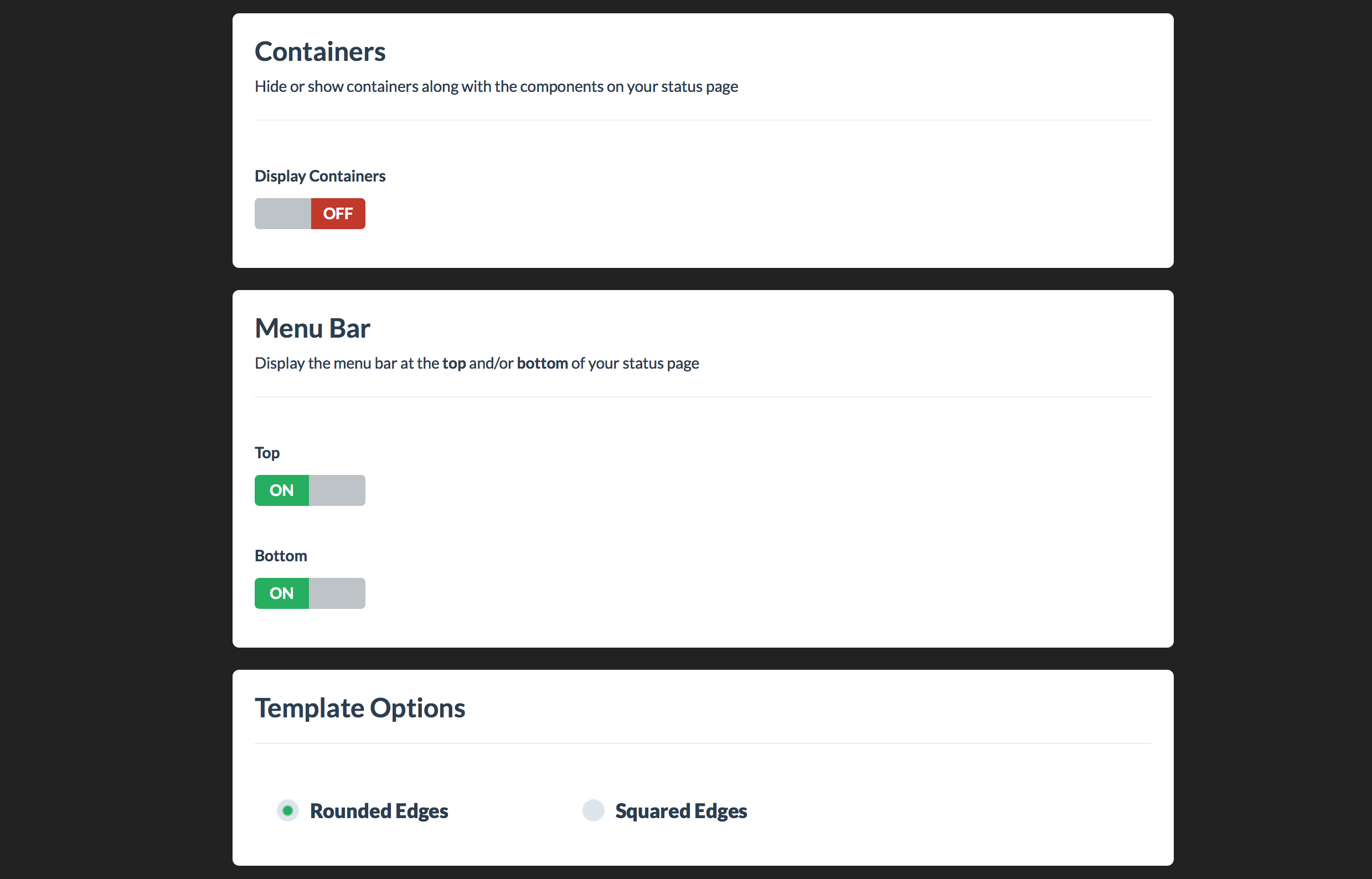
[Feature] Option to hide containers from displaying with components

[Feature] Option to use rounded or squared edges

[Improvement] Polished the status page design

[Improvement] Upcoming scheduled maintenance activity is now displayed on the main status page

[Improvement] Removed zoom buttons from location map

Status Page Design Updates

Many customers have been providing feedback to help us improve the design of our status pages.

Today we’re announcing a few design enhancements that have been rolled out so far.

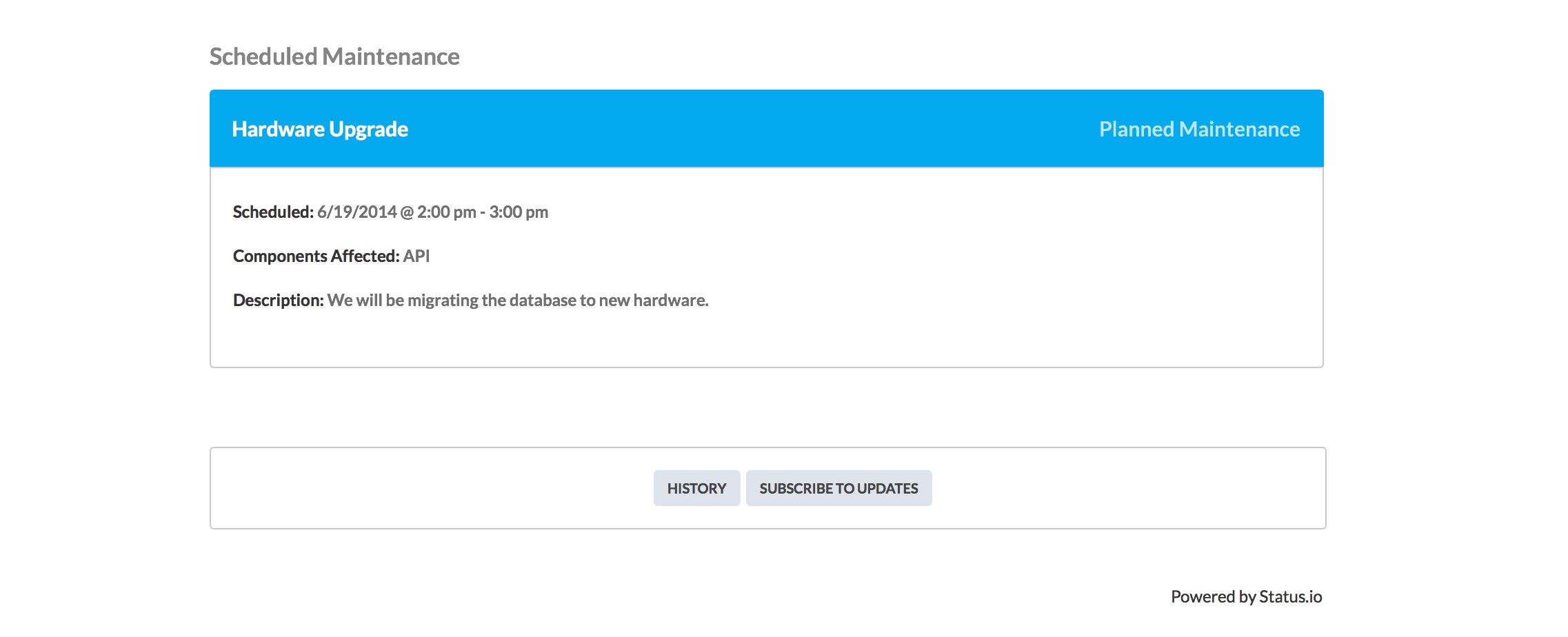
Scheduled Maintenance

Upcoming maintenance activities are now displayed directly on the main status page. This eliminates the need for a separate dedicated maintenance page.
scheduled-maintenance

Hidden Containers

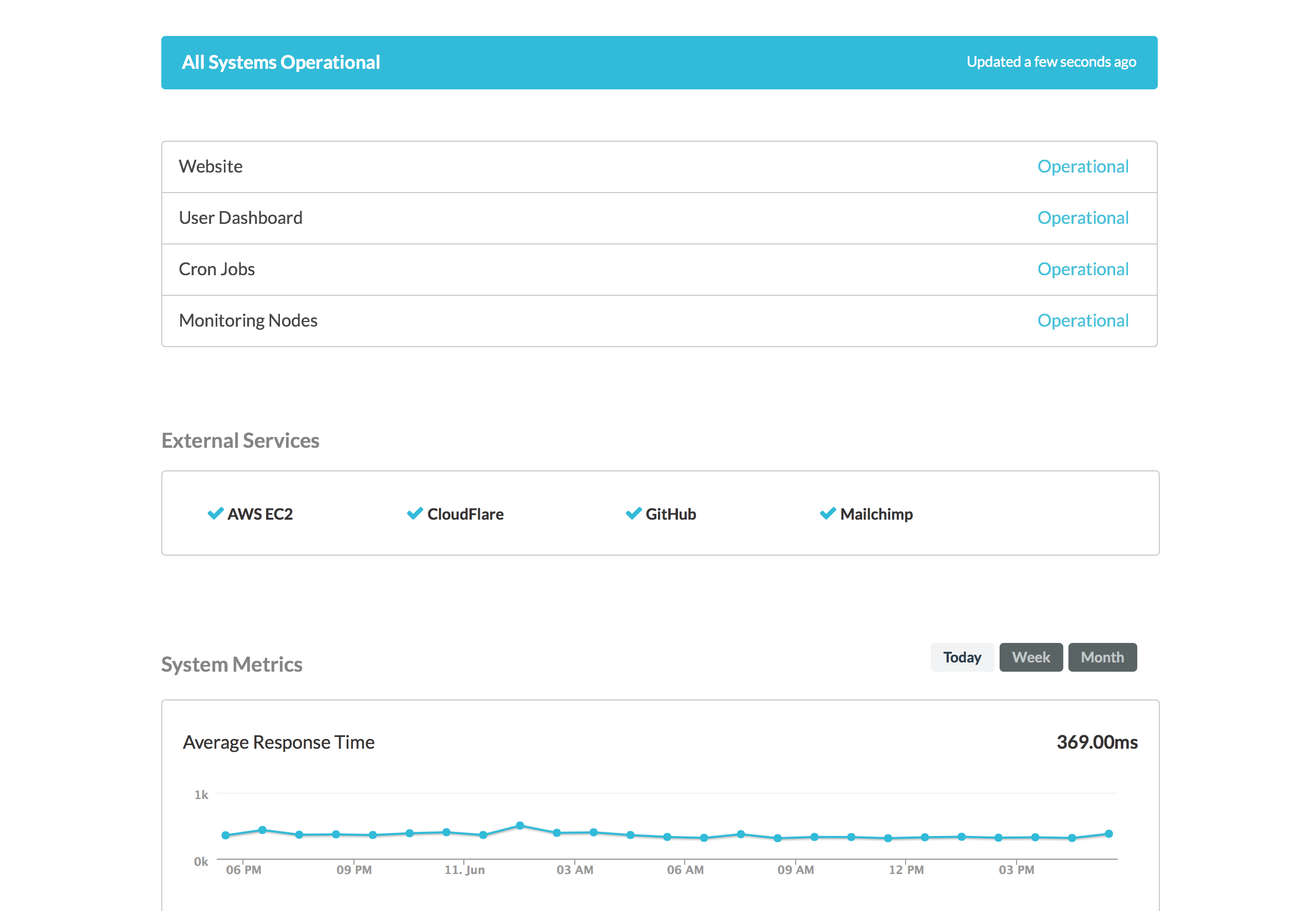
Containers are the best way to show the status of a component in a specific location. However, containers are not suitable for every status page. Now you may choose to display the containers or not.

Here’s a nice example of a status page with the containers hidden:
status-page-hidden-containers

Border Edge Options

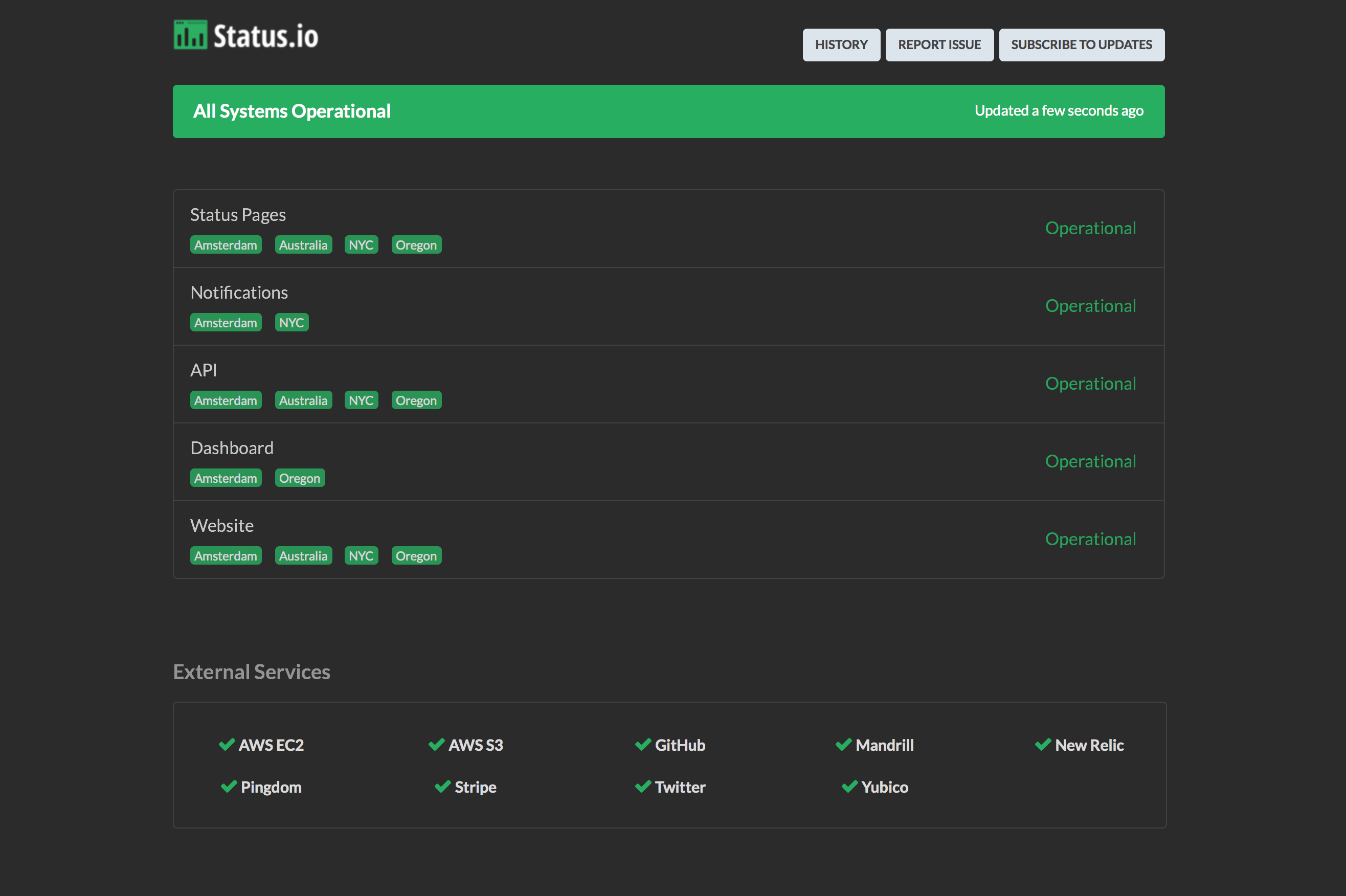
We started with the simple old school squared edges in our flat design. Today we unveil the Rounded option. While this is a simple toggle setting, it drastically alters the look and feel of your status page.
status-page-rounded-edges

New pages will have rounded edges by default. Current status pages can be switched to the rounded edges by toggling the option in the Design view.
container-edges-settings

Version 0.5.2

[Feature] Launched our public knowledge base at help.status.io

[Feature] Support for custom status page CSS

[Feature] Annual billing option

[Improvement] Display time zones on status page

[Improvement] Refactored webhook notifications

[Improvement] Added confirmation dialog for deletions

IRC Notifications

We would like to introduce you to the newest memeber of the Status.io family: Statusbot

Statusbot is a friendly bot who hangs around your IRC channel and posts status updates.

Example Incident Update

irc-example-incident-update

Statusbot Limitations

IRC notifications are still in the experimental phase. If you try out this feature, we would appreciate any feedback.

Current limitations:

  • Only supports the FreeNode IRC network
  • Maintenance updates are not supported

Add Statusbot to your channel

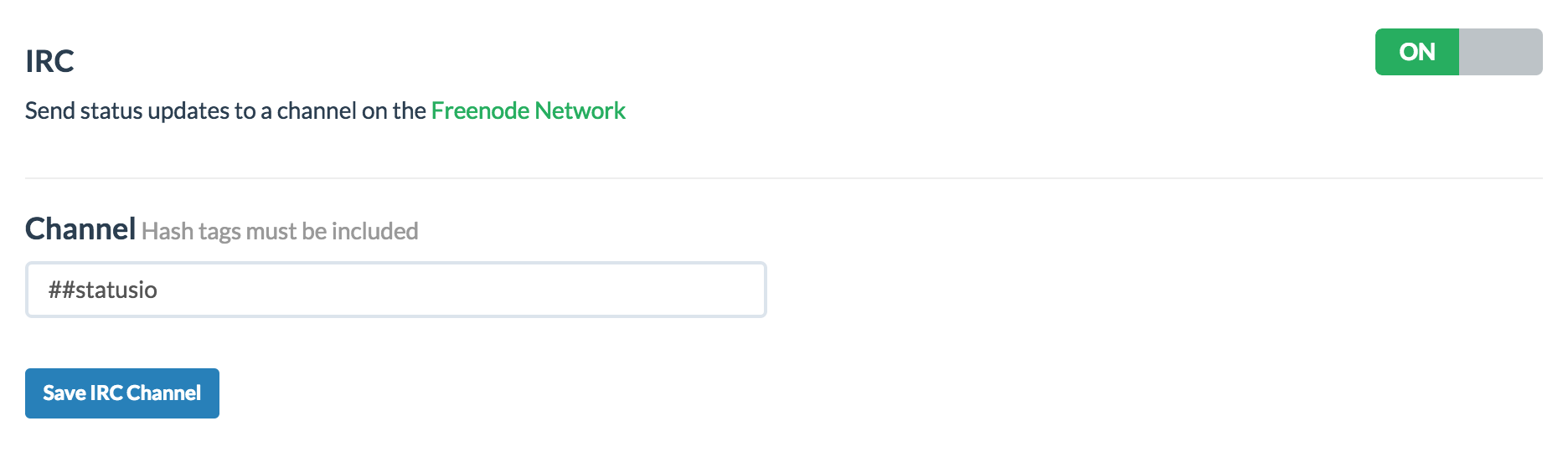
To set up IRC notifications, navigate on over to the Settings view in the Dashboard. Enter the channel name on the FreeNode network. The ‘#’ or ‘##’ must be included in the channel name.

irc-settings

After successful configuration, Statusbot will join your channel.

irc-example-activate