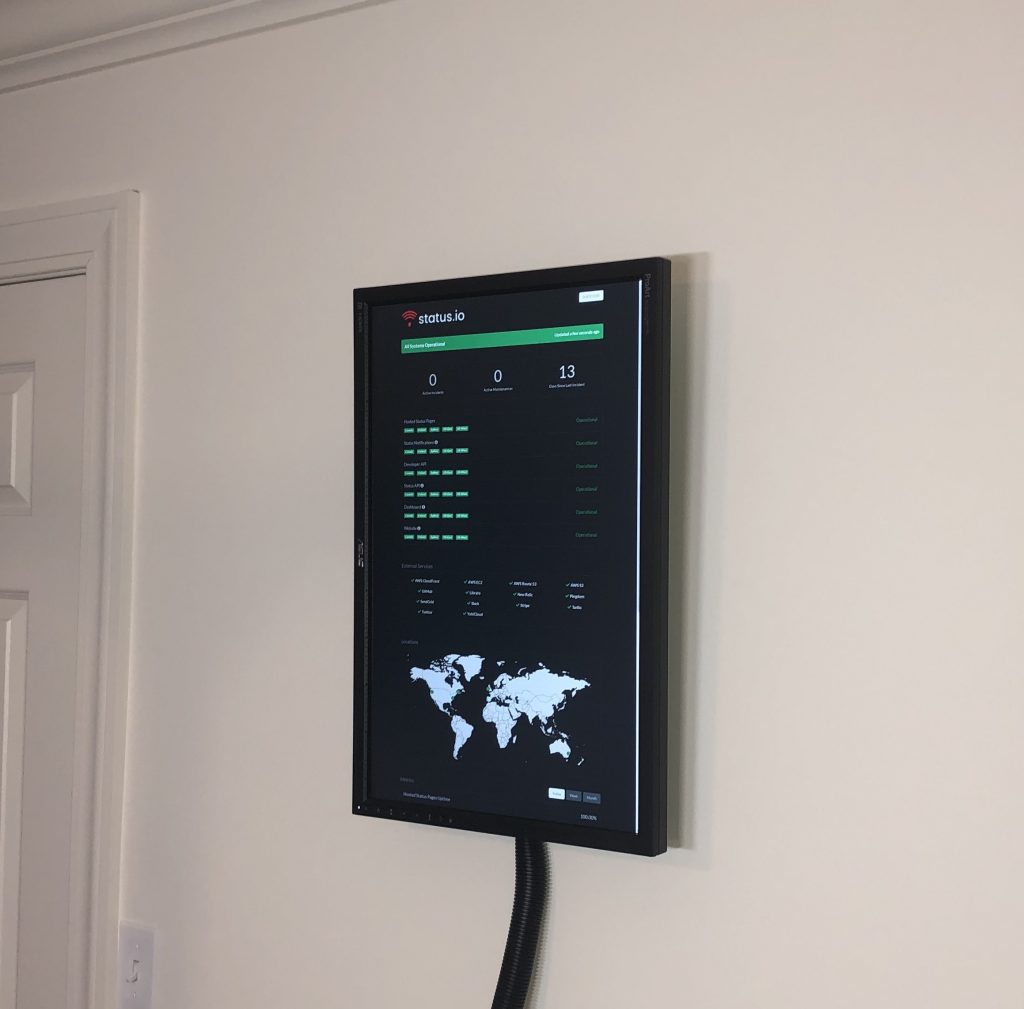
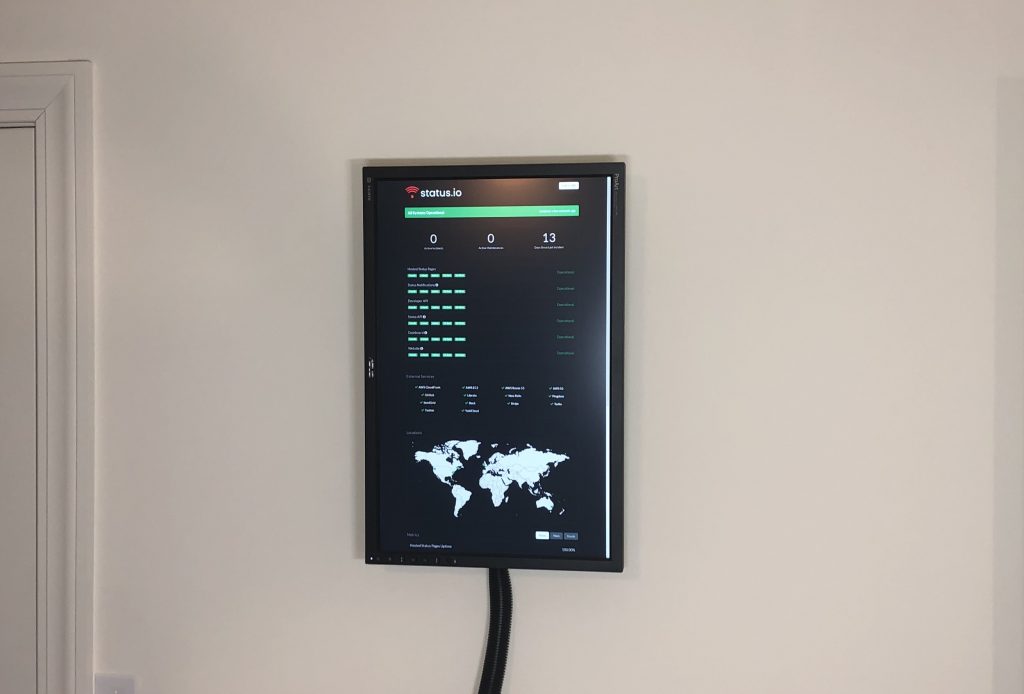
Your status page is already awesome, now you just need to set up an always-on wall-mounted display.
Imagine all of the places you can put this thing! In your data center, in your break room, the cafeteria, conference rooms, even your bedroom if you’re that obsessive over your system.
Employees can glance at it and instantly know the state of the system. Clients will be wow’ed. Basically, everyone will love it.
The Hardware
We chose the Raspberry Pi to power our display since it’s simple, inexpensive and small enough to hide.
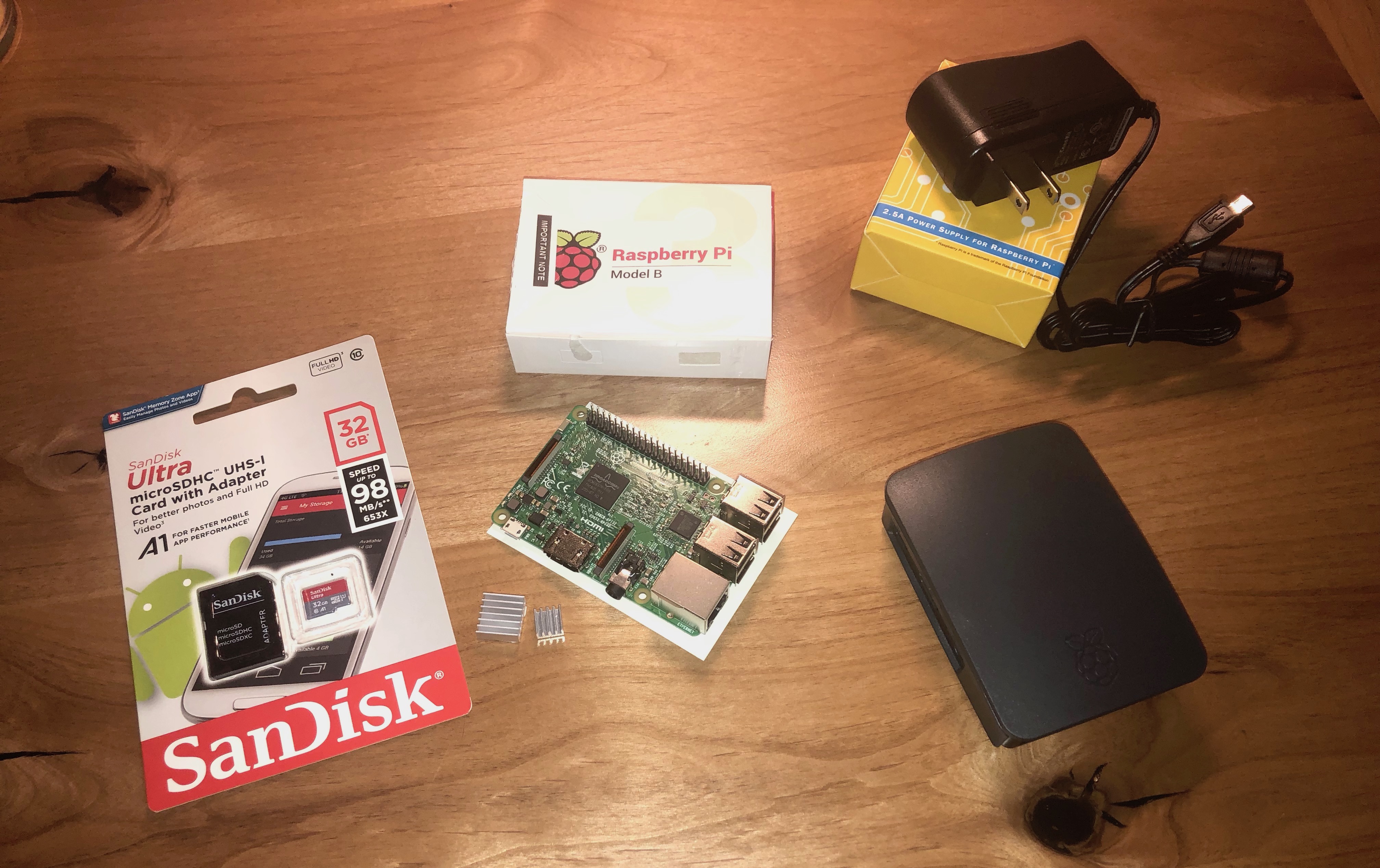
Here’s a list of the exact parts we used. Feel free to use whatever you prefer, however, your results may vary.
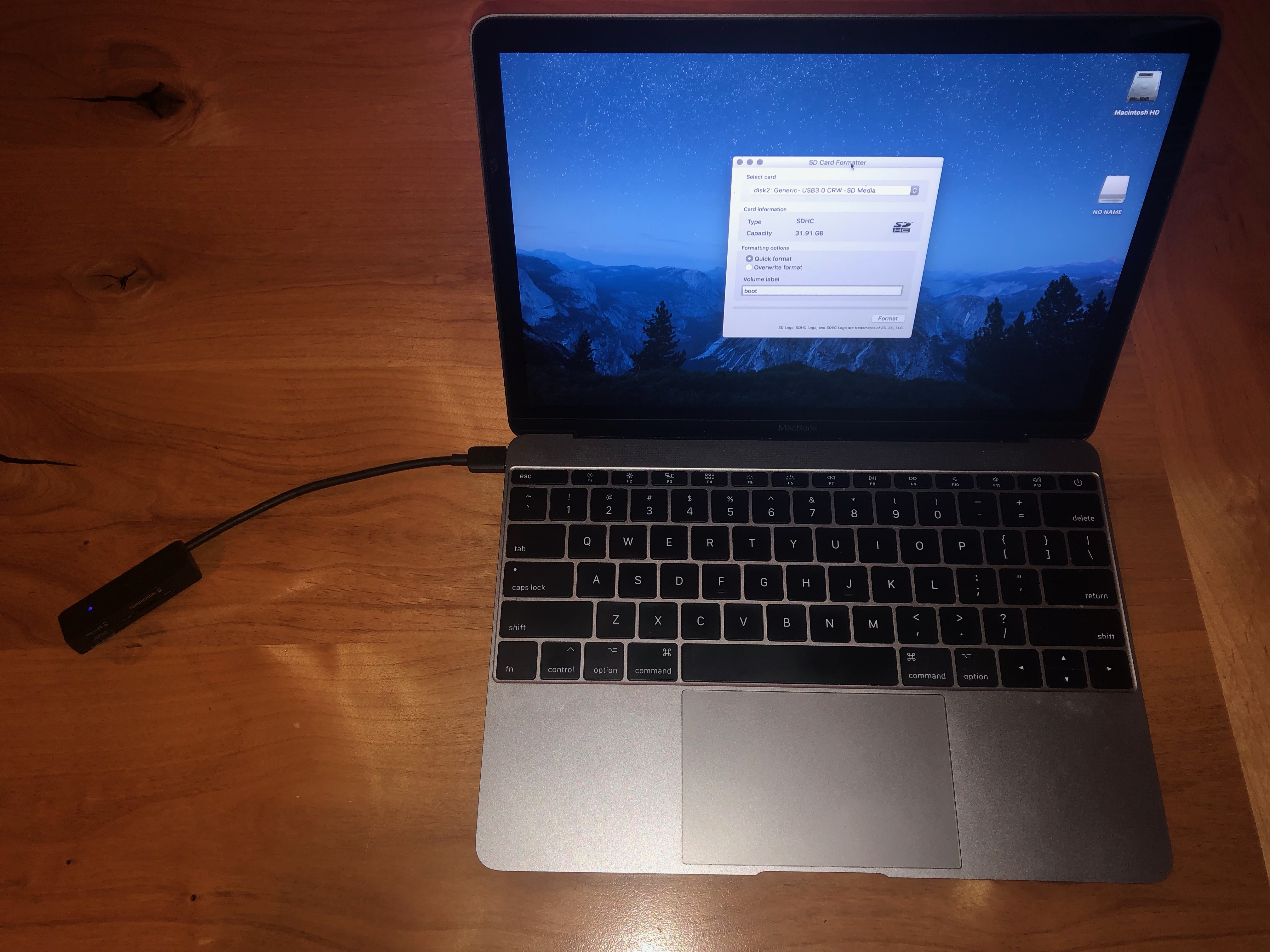
Insert SD card into your computer and format using SD Card Formatter
Extract the NOOBS archive and copy the contents to the SD card
Install Raspbian
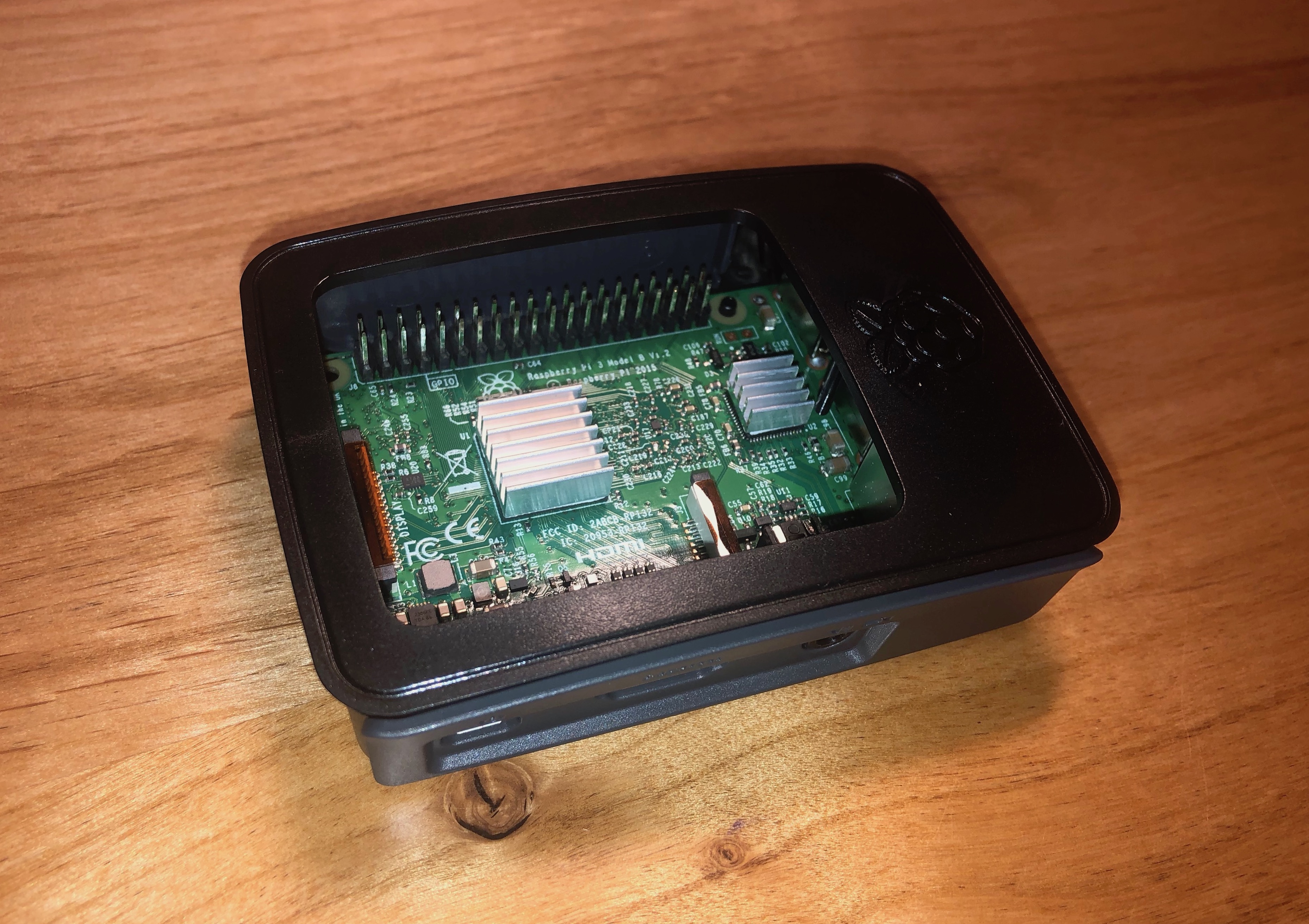
Insert the SD card into the Raspberry Pi
Boot NOOBS and install Raspbian (this will take some time)
After rebooting, the set up wizard will walk you through choosing the location, setting a password and optionally configuring a wireless network connection
Once Raspbian is fully loaded and you’re booted to the GUI desktop, fire up the terminal so we can get down to business
We’re building a kiosk, so we need to disable the mouse cursor and screen blanking. Also, it should boot automatically into Chromium and load our status page.
sudo apt-get install unclutter
sudo vi /etc/xdg/lxsession/LXDE-pi/autostart
@xscreensaver -no-splash # comment to disable screensaver @xset s off @xset -dpms @xset s noblank @unclutter -idle 0 @chromium-browser –incognito –kiosk https://status.status.io
Enable portrait mode
sudo vi /boot/config.txt
display_rotate=3
Wall Mount
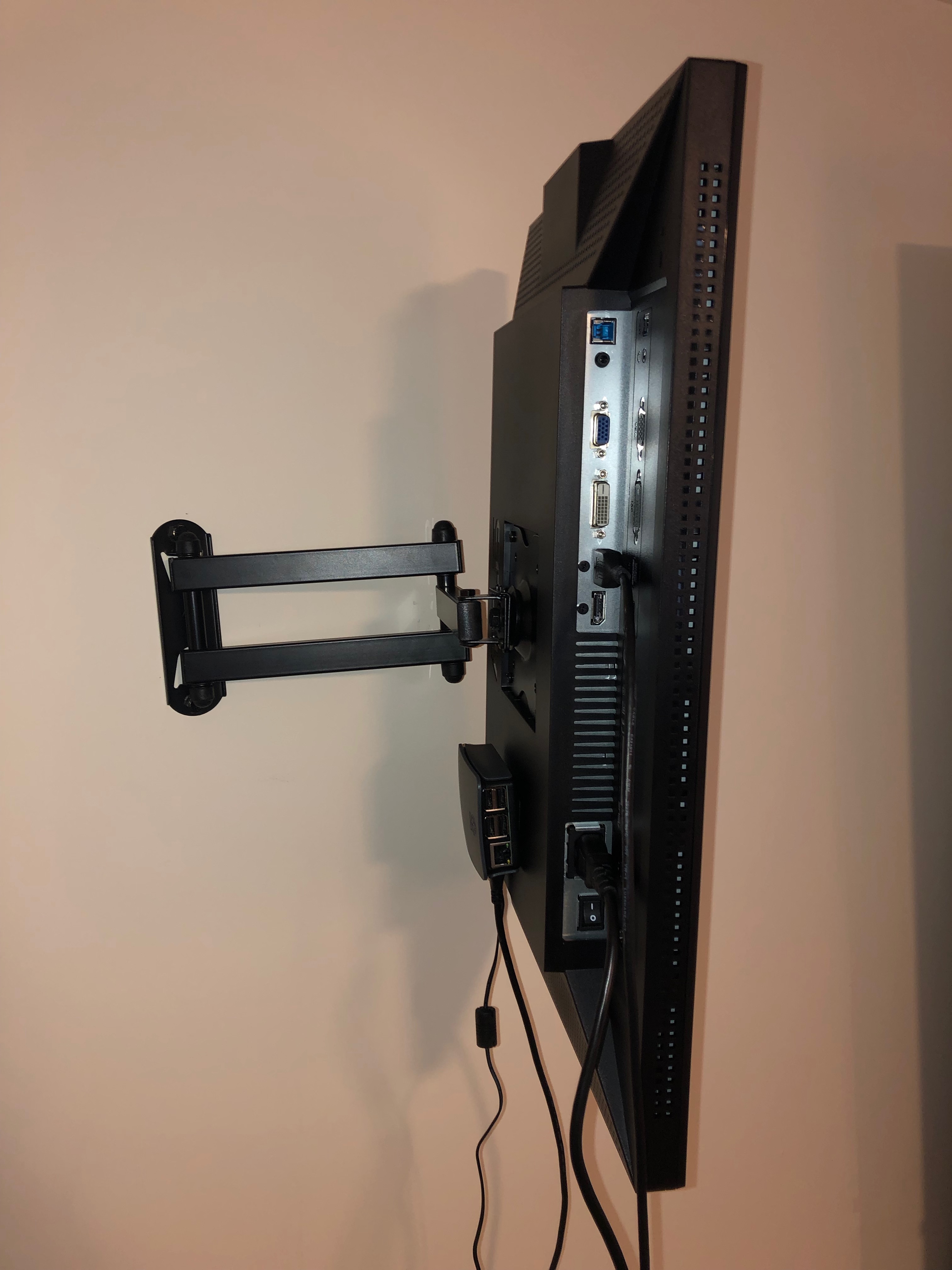
Mount the physical display on the wall by following the instructions included with the mount
Attach the Raspberry Pi to the back of the display using velcro
Plug in the HDMI cable and power adapter
Finish Line
Enjoy the finished product. If you’re like us, you may will become addicted to these displays and proceed to put them everywhere. Rock on!
btw – We run a hosted status page service. Check it out at Status.io